 Generation
The image is only the output.
Higgsfield brings video models into a production workflow. A finished scene does not describe its full production history.
Higgsfield
Human creation verification
DigiBridge is a human creation verification platform for artists, studios and media teams. We record creative activity, use layered checks and a dedicated AI agent to detect prohibited AI assistance and software acting in your place, and uphold a strict human creation standard with evidence you can share.
Your music, footage and source project files stay with you.
Why the process matters
Your audience sees the final cut. They do not see the weeks of editing, sound and finishing behind it. As AI changes production, give clients and audiences a record of your contribution. DigiBridge connects your tools, recorded activity and review to the version you deliver.
Film and media production
 Premiere Pro
 After Effects
 DaVinci Resolve
Music production
 Ableton Live
 Pro Tools
 FL Studio
Record your work and check it against the strict programme, which excludes prohibited AI assistance and software acting in your place. Normal playback, sequencing, musical automation and editing functions follow each tool’s disclosed policy.
A final cut, a news package or a music master. One record connects it to the work behind it.
Why your record matters now
You spend weeks shaping a film, a story or a release. A convincing final frame cannot show those decisions, the people involved or whether software acted in their place.
The change is already visible. AI video has moved beyond the early spaghetti clips, while computer agents can now use a mouse and keyboard. Your creative process needs a record of its own.
See what has changed Watch the source
 ModelScope · chaindrop
The spaghetti clip that became a reference point for early AI video.
 Watch the source
 Kling 3.0 · aicut
A creator revisits the same idea with a newer video model.
GenerationHiggsfield brings video models into a production workflow. A finished scene does not describe its full production history.
Higgsfield Computer agents
Anthropic describes Claude operating a computer directly. The same interface can now be used by a person or an agent.
AnthropicConnect your project, record permitted activity and review the evidence under the DigiBridge human creation standard.
Explore the verification engineWhat you get with DigiBridge
The Mac app records permitted activity. Layered detection and your AI verification agent check the process. Your workspace connects findings, contributors and the rules for sharing a version.
Keep sessions, contributions and recording gaps together as the work develops.
DigiBridge for Mac
Connect each person to their own contribution, project role and declared assistance.
Your workspace
Give clients a link to selected evidence and the current review status for the work they receive.
Version record
The DigiBridge verification engine
Creative software can be operated by a person or an agent. Our verification engine combines permitted input activity, device integrity and creative tool checks. Your dedicated AI verification agent reviews that evidence for prohibited assistance, synthetic control and signs that recording safeguards were disrupted.
You authorise the activity we examine. Your footage, audio, project files and typed content stay private. The agent supports detection and review; it does not operate your creative tools or impose penalties on its own.
How verification worksYour verification agent
Project activity review
Recorded actions need review against the human creation rules. Check the linked activity and explain the tool or workflow used.
Source: linked activity checks
This example shows an alert awaiting review. An AI flag alone does not count as a confirmed incident.
Choose your workflow
From an independent release to a shared production, DigiBridge connects the people, activity and review behind the version being delivered.
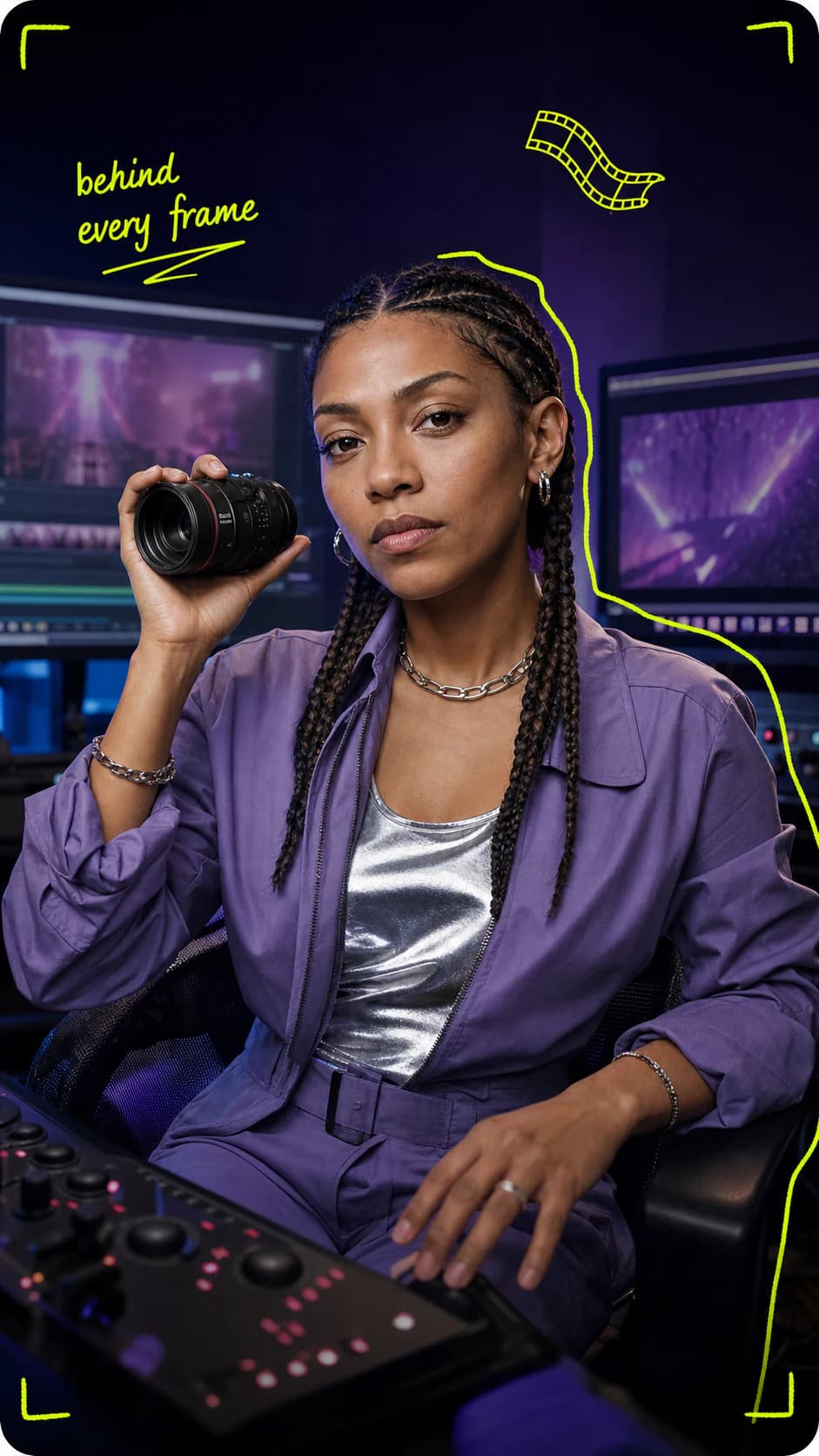
Connect editing, sound, motion graphics and finishing to the people doing the work. Check the process against the human creation rules before delivering a cut.
A shared record from first cut to final delivery.
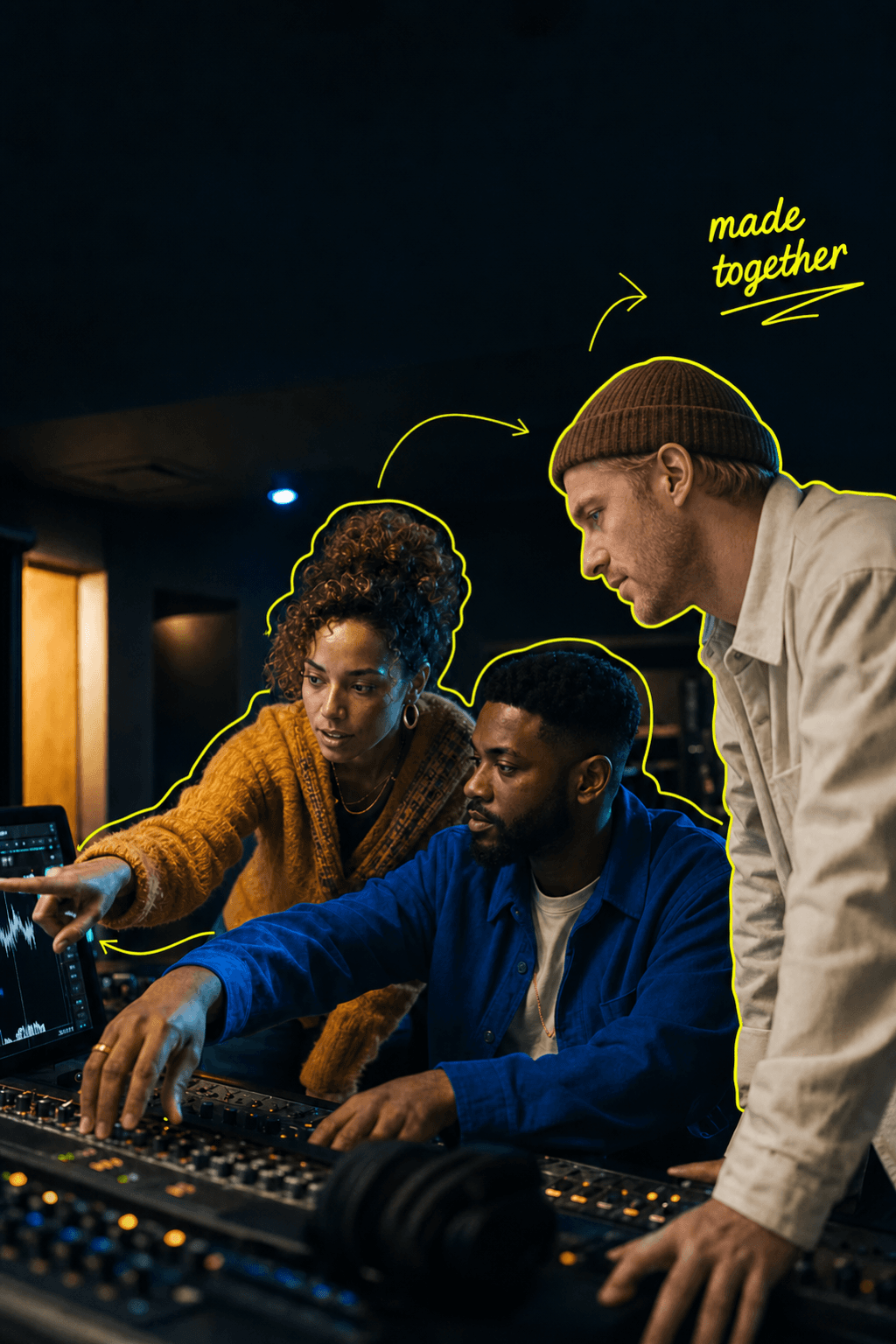
Give contributors one human creation standard to follow. Manage seats and roles, review warnings and resolve issues before a version reaches the client.
Clear responsibilities. Better informed handoffs.

Record the writing, production and mixing behind a release. Check for prohibited AI assistance and software acting in your place, then send the evidence with your master.
A creative record to send with the master.

See whether the submitted version meets the programme rules, with the checks, findings and review status behind that decision. Creative source files stay private.
More context for every acceptance decision.
One Mac app connects your project to the available creative tool workflows.
Explore all six toolsFrom setup to sharing
Verify your account, create a project and invite the people working with you.
Connect DigiBridge for Mac, choose your project file and start recording permitted activity.
Review detection warnings, see the supporting evidence and add context before a version is cleared for sharing.
Share an eligible version with selected evidence and its current status under the human creation standard.
The human creation programme
Prohibited AI assistance and software generated control are excluded from the programme. Warnings help you address issues during recording; confirmed incidents affect whether the work can be published under the standard.
Read the human creation standardThe affected version cannot be published under the programme. You can see the evidence, stop prohibited use and request a review.
A third confirmed incident makes the project ineligible for directory publication. Repeated events in one continuous episode are not counted as separate incidents.
Reviewers can consider your context and correct a finding. A gap or AI suspicion alone is not an incident, and your creative source files stay private.
The context behind the change
Film and AI
From the spaghetti clip to modern generation, the question has moved beyond appearances.
Read the articleCreative tools
Computer agents bring a new question to the tools creators already use.
Read the articlePeople and rights
What synthetic performers mean for production, permission and accountability.
Read the articleYour dedicated agent helps detect prohibited AI assistance and software generated control in the activity you authorise for analysis. It works alongside device, system and creative tool checks, connects findings to evidence and helps reviewers assess your explanation. It does not impose penalties on its own.
No. DigiBridge records permitted process activity without collecting your audio, footage, source project files or typed content. You choose what evidence to share with a recipient.
A warning shows the issue and supporting evidence, with a way to add context or challenge it. The first confirmed incident holds the affected version from programme publication; three distinct confirmed incidents make the project ineligible for the directory. A recording gap or an AI suspicion alone is not an incident.
Playback, sequencing, automation envelopes, keyframes and rendering are assessed as creative tool functions under the tool’s disclosed policy. Agents, scripts, macros and synthetic assistive or remapper controls that act in place of the contributor are excluded from the strict programme. Check your workflow’s policy before recording.
Yes. Each contributor works through their own account and project role. A shared workspace brings their records together while keeping access and responsibility clear.
Professional is $29.99 USD per month for five total seats, including the owner. Studio engagements start at $299 USD per month by agreement. Enterprise and API access are priced for your requirements.
For the teams reviewing the work
Run a platform, broadcaster, distributor or review team? Connect each submission to its published DigiBridge record, contributor context and current status. Give creators a clear way to present their work and your team better context for its decision.
Explore DigiBridge for verifiersKeep the record reference with the version under review.
Inspect the contribution context and activity approved for sharing.
Discuss organisation access and API integration with DigiBridge.
Make the work. Keep the record.
Start with your own project, or talk to us about your studio, production team or review workflow.