Map people to the work
Define how direction, editing, sound and VFX contributions belong to a project and deliverable. Keep individual responsibility visible through revisions and handoffs.
For film, television and news teams
Protect the work of editors, journalists, sound teams, colourists and visual effects artists through DigiBridge’s strict human creation programme. Record contributions, check for prohibited AI assistance and software generated control, and review evidence for the exact cut you deliver.
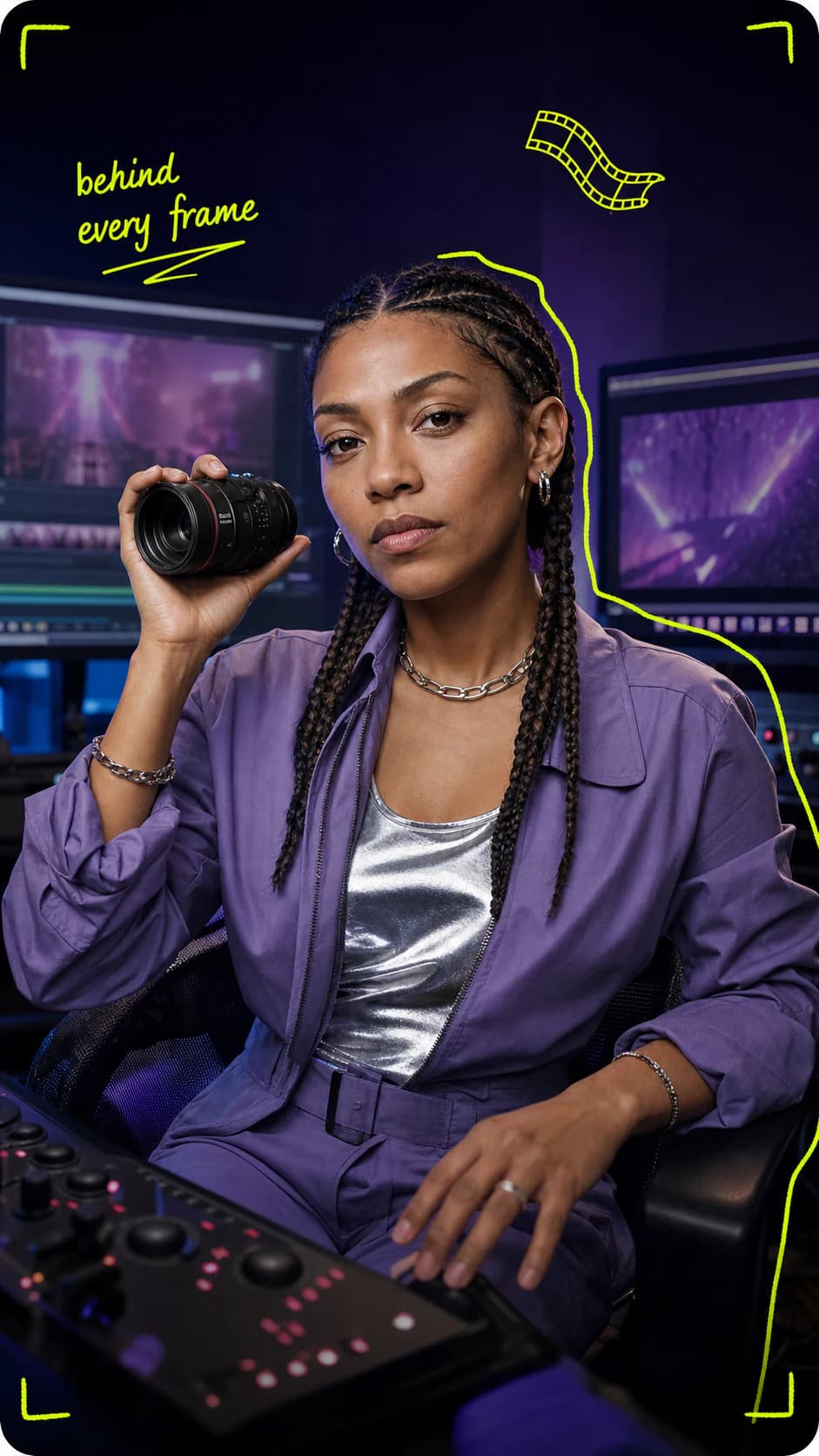
Human creation verification
Film, Television and News
Keep the people and process behind every cut connected to the delivered version.
The production challenge
Production and post production move across teams, tools and revisions. Keep editorial decisions, contribution history and source declarations connected through assembly, graphics, colour, sound and delivery while protecting footage and confidential material.
What DigiBridge does
Define how direction, editing, sound and VFX contributions belong to a project and deliverable. Keep individual responsibility visible through revisions and handoffs.
Layered detection compares permitted device and system signals with activity in your editing software. Your dedicated AI verification agent helps identify prohibited assistance and software taking over a contributor’s actions, with evidence to inspect during review.
Build the review around permitted records and selected contributions. Keep source footage, private project files and typed content outside evidence collection.
How it works
Define the programme, film, campaign or news package and the version being delivered. Identify each contributor and the handoffs between editing, graphics, colour and sound.
Record supported work through an available connection and retain assistance and source declarations. Live warnings flag suspected prohibited control; contributors can inspect the evidence and add context, while reviewers see only the records they are allowed to access.
Review the exact cut and its declarations before delivery or publication. Keep later revisions distinct and retain the current status so a corrected programme or news package does not inherit an old decision.
Your film and media tools
A workflow portfolio for Premiere Pro, After Effects and DaVinci Resolve. Keep editing, graphics, effects and colour in the same contribution story. Your setup guide shows the connections available for your application and release.
Workflow portfolio
 Premiere Pro
 After Effects
 DaVinci Resolve
Across the lifecycle
Explore the tool portfolio. Your Mac setup guide shows the connections available for your workflow.
An example from your workflow
An illustrative television workflow brings picture, sound and graphics contributions together for the delivered cut. Source footage stays private, and editorial accuracy remains the publisher’s responsibility.
Share selected evidence for the version under review. Your creative source files and typed content stay private.
Project evidence
Review before publicationCut v4
Registration connects the project to its history. The version’s verification status is shown separately.
A standard with follow through
The strict programme excludes prohibited AI assistance and software generated control acting in place of the contributor. Layered checks and your dedicated AI verification agent examine permitted activity, support detection and connect findings to evidence. You can add context and challenge a finding; confirmed incidents follow the publishing rules below.
Warnings identify the issue and its evidence. The first confirmed incident holds the affected recording or version from programme publication, with a route to review.
Three distinct confirmed incidents disqualify the project from directory publication. Attributable private account marks and reviewed action address repeated abuse.
Explain your workflow and challenge the evidence if it is wrong. A recording gap or an AI suspicion alone does not count as a confirmed incident.
Why this matters now
Signed provenance is becoming part of the media conversation. The next step for production teams is to connect that history to contributions, creative activity and a clear review process.
Origin
C2PA defines a way to attach signed information about the origin and history of digital media. Its model makes the source of a claim visible.
Why it matters: DigiBridge focuses on the creative process, people and publishing decision behind a submitted version.
C2PA explainer3
The first confirmed incident of prohibited AI assistance or synthetic control holds the affected recording or version from publication. Three distinct confirmed incidents make the project ineligible for the public directory.
Why it matters: Findings can be reviewed and challenged. A recording gap or an AI suggestion alone does not count as a confirmed incident.
DigiBridge standardPremiere Pro, After Effects and DaVinci Resolve cover editing, motion graphics, effects, colour and finishing in our workflow portfolio. Your setup guide identifies available connections; a portfolio listing is not a download or connection entitlement.
Ordinary editing, keyframes, playback and rendering are assessed under the tool policy separately from software generated operator control. The prohibited behaviour is software performing clicks, typing or tool actions in place of the contributor, including AI directed control.
Inspect the evidence, add context and request review when a warning needs attention. A gap or an AI suggestion alone is not a strike; the first confirmed incident holds the affected recording or version from publication. Three distinct confirmed incidents make the project ineligible for the public directory, with a route to challenge findings.
No. A record provides process context, contributions and declarations. It does not establish the truth of a reported event or replace source checking, editorial judgement, legal review or corrections.
The DigiBridge model separates source creative material from the record shared for review. Your team chooses the permitted project evidence and version information appropriate to the recipient.
Start your DigiBridge record
Connect your production roles, review requirements and delivery milestones with a clearer evidence workflow.